 Grok Video
Product still
Matte materials, controlled light, storefront-ready.
Arena-ranked Grok Imagine Image 2.0. Photoreal detail, precise region editing, multi-reference control, and production-ready workflows — Grok Image AI that understands what you’re building.
GROK IMAGE 2.0 AI IMAGE GENERATOR
Showing samples until a real generation lands.
Possibilities
From concept art to polished brand assets in seconds. Explore what the Grok Image generator can ship.
Matte materials, controlled light, storefront-ready.
Skin, catchlights, and soft contrast for campaign faces.
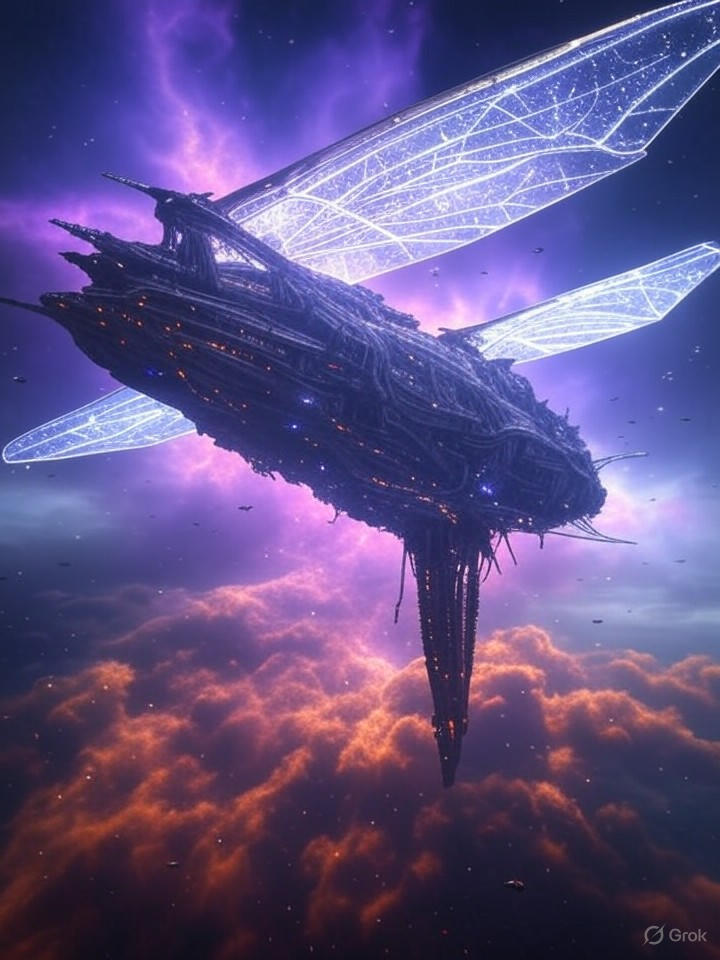
Protagonist, weather, and environment in one pass.
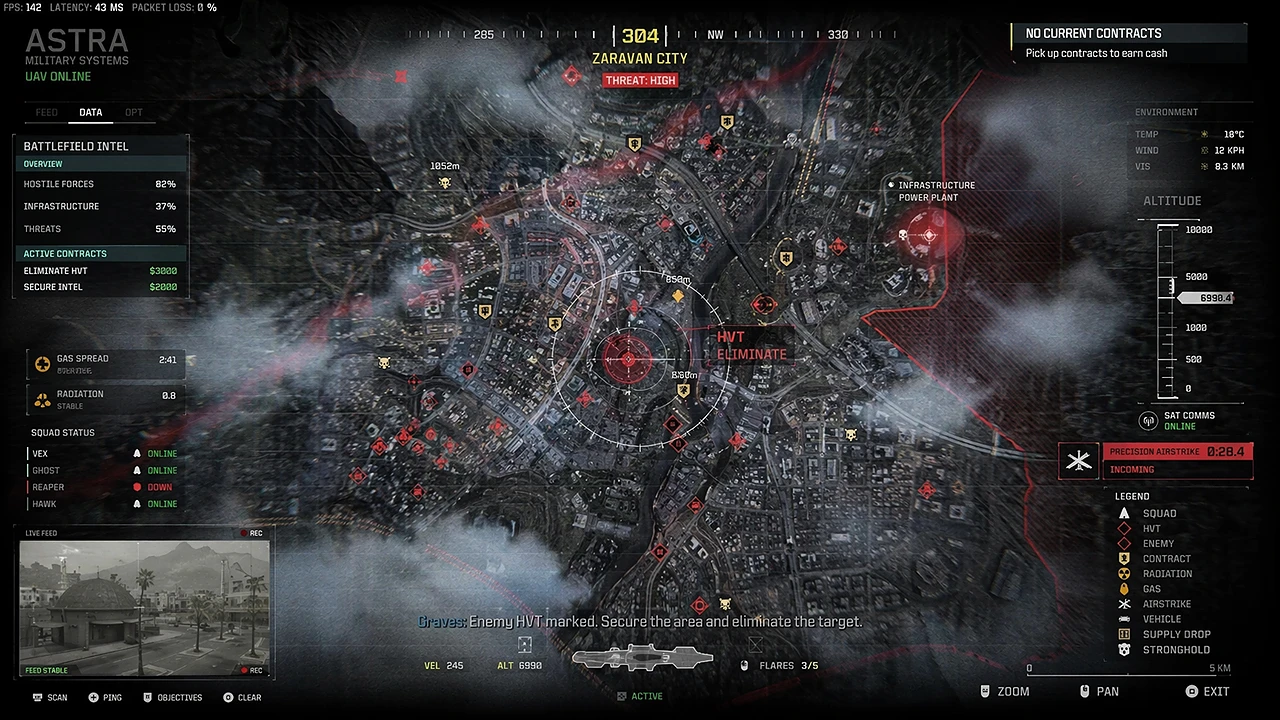
Label type and material response for shelf mockups.
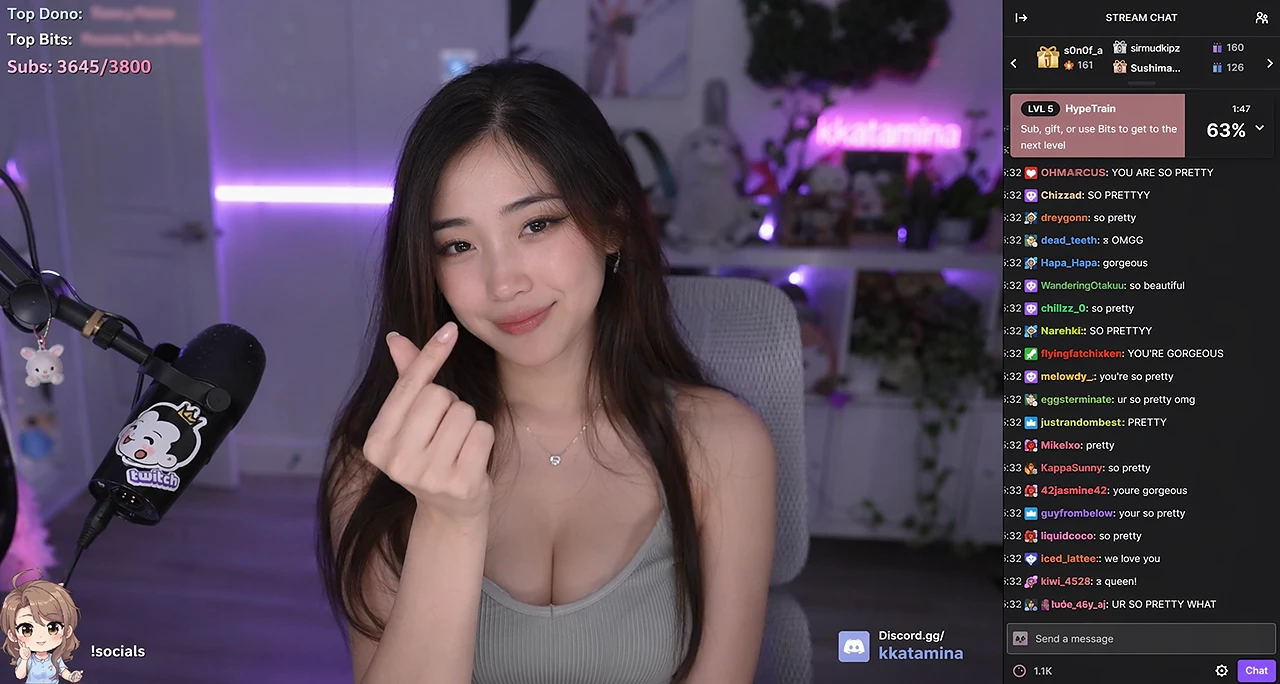
Glass panels, icons, and readable interface type.
Wide horizons and color grade for title cards.
Creative Plays
How pro teams turn a single Grok Image 2.0 prompt into shippable assets.
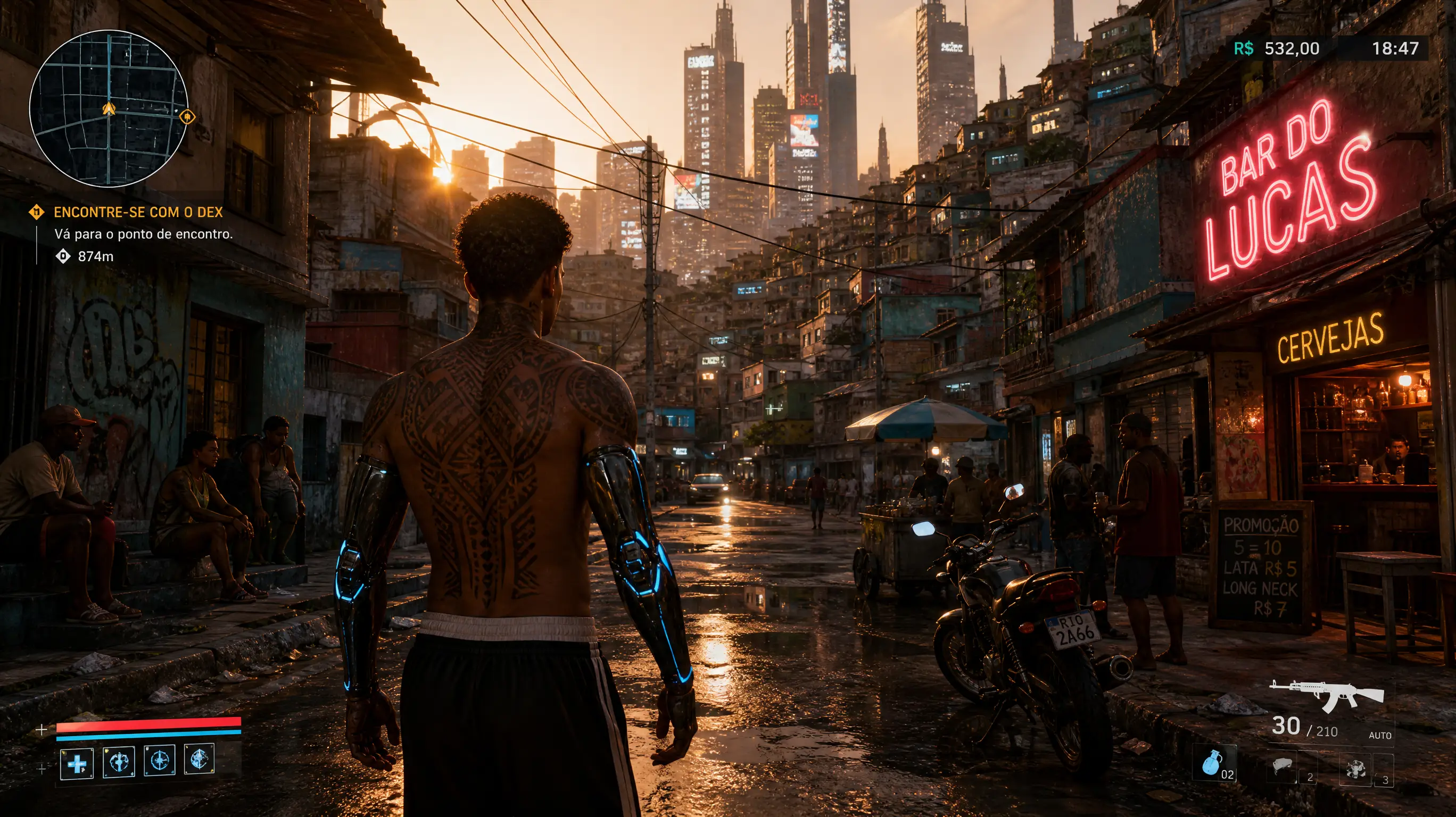
Conjure next-gen game screenshots — protagonist, environment, weather, HUD text — in a single Grok Image 2.0 generation. No engine, no plugins.
Try this recipe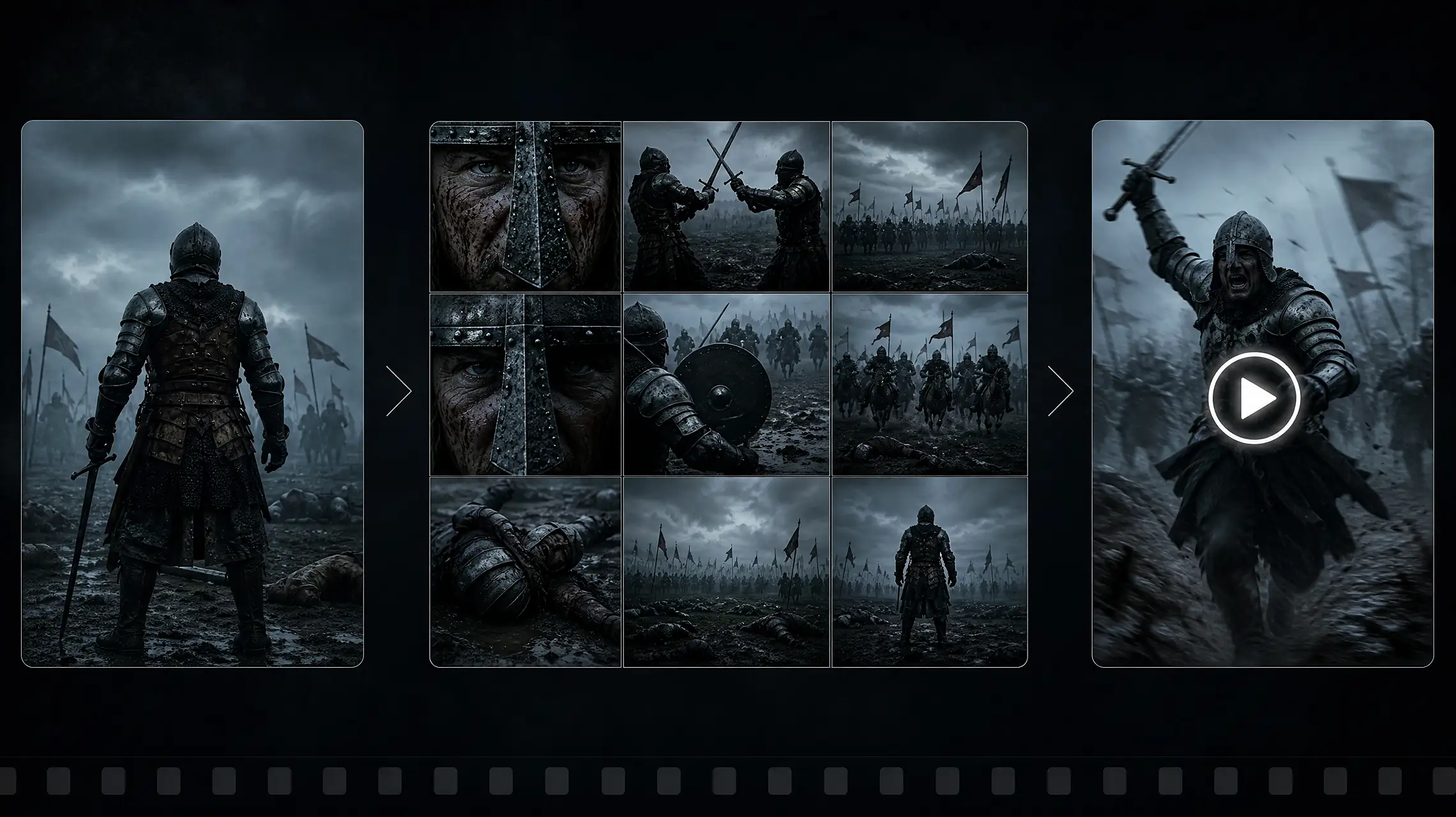
Upload one product photo, multi-ref edit with lifestyle scenes, and export frames ready for storefronts and ads.
Open the generatorResolution & Output
From quick drafts to print-ready masterpieces. Every pixel is intentional with Grok Image AI.
Crisp 1K–2K+ assets with Quality Mode detail — textures, lighting, and edges that hold up in ads, packaging, and UI work.
1:1 for feeds, 16:9 thumbnails, 9:16 Stories, 3:2 print, 21:9 banners. Smart resize fills any frame without awkward crop artifacts.
Magic-wand region edits, segmentation, and surgical changes that leave the rest of the image untouched — identity, lighting, and materials stay consistent.
Blend up to 5 reference images in one generation for character consistency, product fidelity, and style control without manual compositing.
Capabilities
Grok Imagine 2.0 is ranked among the world’s top image models for both generation and editing — built for iteration, not one-off demos.
Render headlines, labels, UI copy, and multi-line layouts with stronger text fidelity than classic diffusion-only tools.
Spatial layout, camera language, lighting, and multi-constraint prompts land closer to what you asked — fewer retries between idea and shippable frame.
Photoreal portraits, product stills, illustration, anime, pixel art, UI glassmorphism — switch styles in a single prompt.
Mockups, icon sets, packaging, storyboards, and brand systems with production-ready exports for Figma pipelines.
Specifications
Technical details for creators and power users exploring Grok Image 2.0.
MODEL
Grok Imagine Image 2.0 Quality Mode for generation + editing.
MAX FIDELITY
High-detail generations with Speed mode for rapid iteration.
ASPECT RATIOS
1:1 · 3:2 · 16:9 · 9:16 · 4:3 · 21:9 and smart resize.
ITERATION
Fast drafts, then Quality Mode for final frames.
OUTPUT
Production-ready exports for ads, packs, and UI.
EDITING
Magic wand, segmentation, BG cleanup, up to 5 refs.
How to Generate
Three steps from prompt to downloadable image.
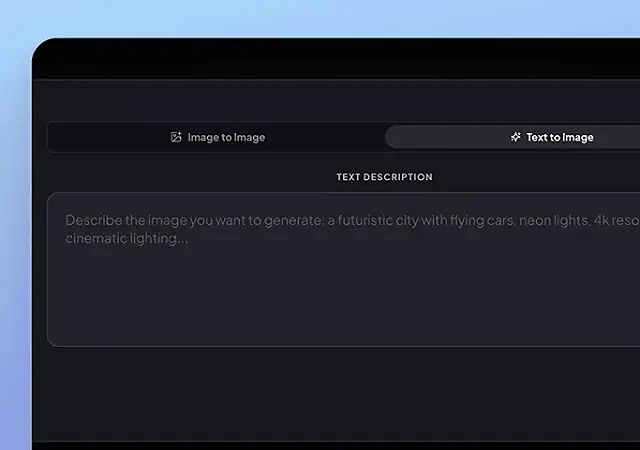 01
Describe the image in natural language — or attach reference images for Grok Image AI to follow.
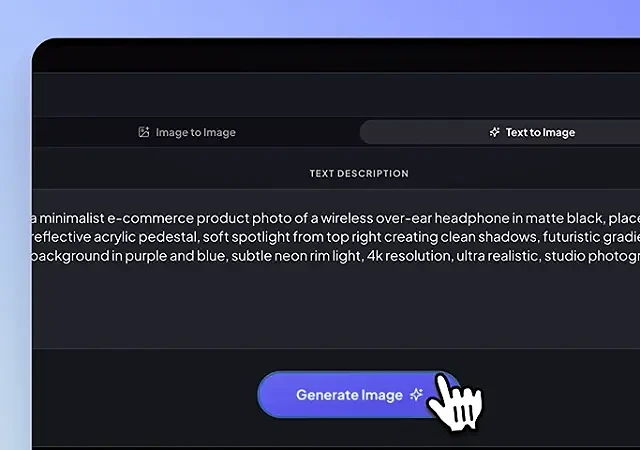 02
Choose size, quality, and aspect ratio, then generate with Grok Imagine 2.0.
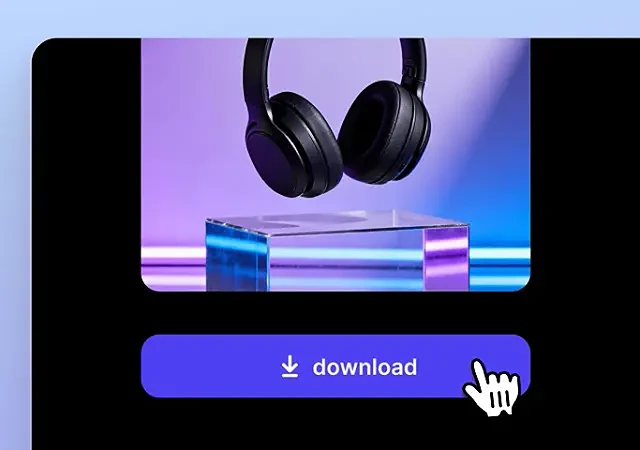 03
Export high-resolution assets, refine regions, or multi-ref edit until it ships.
For Professionals
Not a toy. A Grok Image generator that replaces hours of manual production.
Banners, social cards, email headers, and posters with brand-ready text and color — dozens of variants before the first design brief lands.
Turn one product photo into a full catalog: lifestyle scenes, seasonal themes, A/B creatives, and clean cutouts.
App mockups, icon sets, and illustration systems with consistent style — export straight into Figma workflows.
Thumbnails, blog heroes, covers, and social templates with readable headlines — no more stock-photo sameness.
Lock character identity across key frames, environments, and props while exploring styles at production speed.
Photoreal quality. Region editing. Multi-reference control. Generate your first Grok Image 2.0 frame in your browser.
Pricing
Unlock more credits for generation and editing. Checkout uses this site’s live Starter / Pro / Studio plans — not a third-party Max SKU.
$9.99/mo
50 クレジット
$19.99/mo
100 クレジット
$39.99/mo
240 クレジット
Everything about Grok Image 2.0, Grok Imagine 2.0, and creating with Grok Image AI on this site.
Grok Image 2.0 is a photoreal image generation and editing workflow built around Grok Imagine Image 2.0 — strong prompt adherence, region edits, multi-reference control, and production-ready aspect ratios.
Use the on-page generator strip to write a prompt and choose a ratio, then Generate opens the studio tool with your prompt prefilled. Still-image API endpoints are not separate on this Worker; generation continues through the same studio desk and credit balance.
Region editing, multi-reference input, smart resize across common aspect ratios, and iterative Speed + Quality passes. On this site, continue refinements from the studio after the first draft.
There is no separate grokimage2 Max checkout here. Starter, Pro, and Studio plans on this site fill one credit balance used by the studio tools. Open Pricing for the live dollar prices.
It leans photoreal, prompt-faithful, and editing-friendly — especially for typography, product fidelity, and multi-reference consistency — rather than one-off demo art only.
Paid plans on this site are intended for commercial creative work subject to the Terms. Always review the Terms before shipping client or brand assets.
Prompts and uploads are used to fulfill your generation request. Do not submit secrets or personal data you are not allowed to process. See Privacy for retention details.